Getting Around · Essentials
Suica & PASMO: A Local's Guide to Tokyo's Tap-and-Go IC Cards
One little card — or your phone — taps you onto every train, subway and bus in Tokyo, and pays at convenience stores too. Sort this out first, and every other guide on this site just works.
If you do one practical thing when you arrive, make it this. An IC card turns the whole transport system into tap-and-go: no tickets, no fare maths, no fumbling at machines while crowds stream past. Every station guide here assumes you've got one. So here's the complete, current picture.
What is an IC card?
What it is: a rechargeable tap card (the two big ones are Suica and PASMO). You load it with cash, tap it on the reader at the gate, and the fare is deducted automatically.
One card covers almost everything: trains, subways and buses across Tokyo and most of Japan's major cities, plus convenience stores, vending machines, coin lockers and loads of shops. It's the single most convenient thing in your pocket here.
Suica vs PASMO — does it matter?
Short answer: no. Suica is run by JR East; PASMO by Tokyo Metro and the private railways. But they've been mutually compatible since 2013, so either card works everywhere the other does — all trains, all subways, all the shops. Grab whichever one you find first and don't overthink it. One card, your whole trip.
Physical card or your phone?
This is the real decision, and it mostly comes down to which phone you have.
iPhone users: just use your phone
- Add Suica to Apple Wallet. Any iPhone (8 or newer) or Apple Watch, from any country, can add a Suica in the Wallet app (tap + → Transit Card → Suica), and top it up with your overseas credit card. Turn on Express Mode and you tap through gates without even unlocking the phone. This is the smoothest option going — set it up before you even land.
- Or the Welcome Suica Mobile app (launched 2025, iPhone only) — made for visitors, in English, accepts foreign cards, and is valid for 180 days.
Android users: get a physical card
Most non-Japanese Android phones don't have the right chip (FeliCa) for mobile Suica, so the mobile apps won't work for you. No problem — just get a physical card (below).
Where to get a physical card
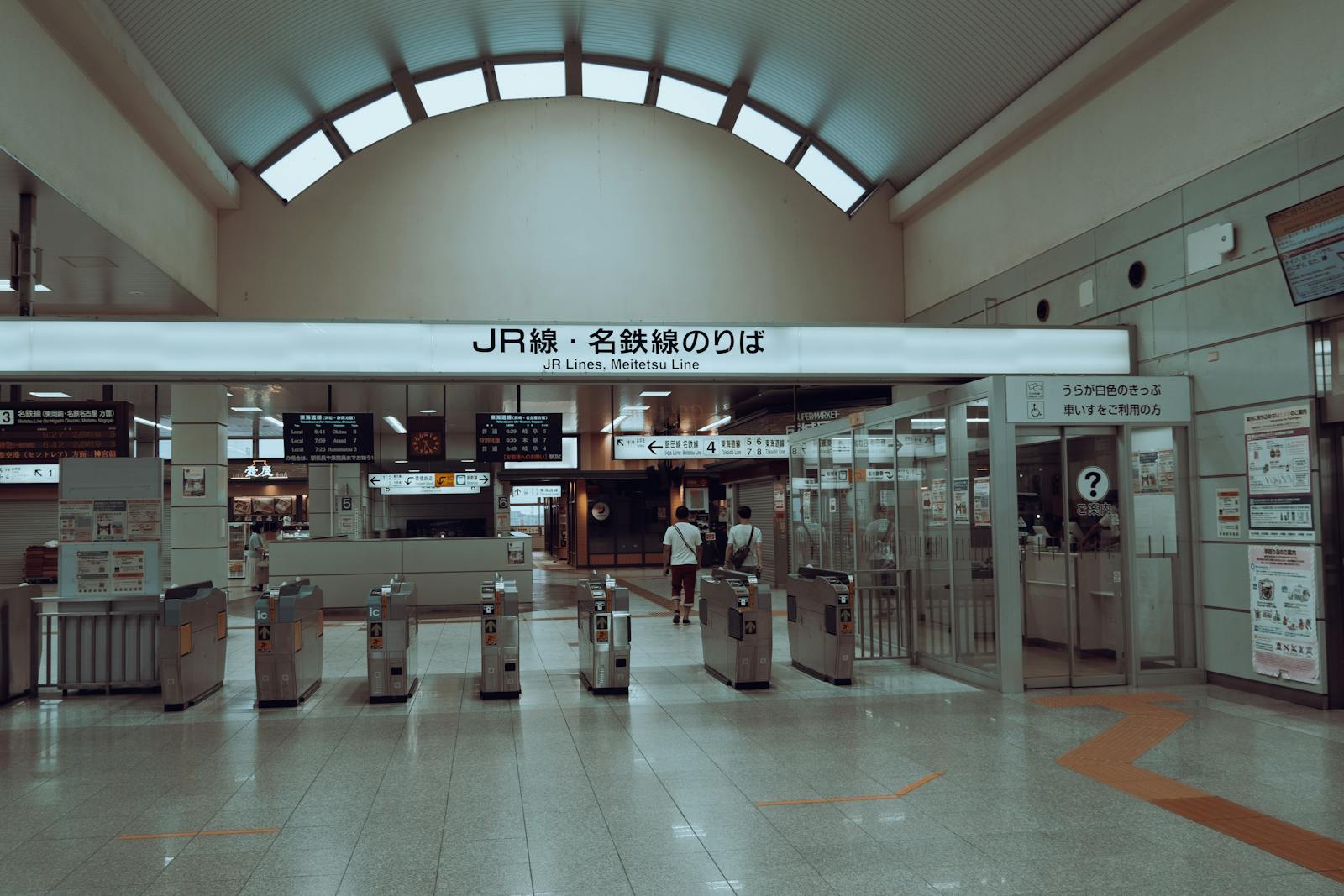
- Welcome Suica (the tourist card) — no deposit, valid 28 days, sold at the airports (Narita and Haneda) and at JR EAST Travel Service Centers. Easiest grab the moment you arrive.
- A regular Suica or PASMO — buy from almost any train or subway ticket machine. It carries a ¥500 deposit (refundable), and it doesn't expire, so it's handy if you visit Japan often.
(PASMO has its own tourist version too — TOURIST PASMO, sold at the airports — same idea as Welcome Suica. Either is fine; grab whichever you find.)
Topping up is easy: use any ticket machine (cash, and often card), or top up with cash at convenience stores. Keep ¥1,000–3,000 on it; the maximum balance is ¥20,000.
Riding mostly subways? Consider the Tokyo Subway Ticket
Here's a money-saver worth knowing — very on-brand for travelling at local prices. If your days lean on the subway rather than JR, the Tokyo Subway Ticket gives you unlimited rides on the Tokyo Metro and Toei subway lines for a flat price: 24 hours from about ¥800, plus 48- and 72-hour versions. It's sold only to foreign visitors on a short stay, and you can buy it online and collect it on arrival, or pick it up at the airport.
The catch: it covers the subways only — not the JR lines (so not the Yamanote loop). For a few subway-heavy days it can easily beat topping up an IC card; for a JR-heavy trip, stick with Suica or PASMO. Plenty of people carry both — the pass for the subways, the IC card for everything else.
The gotchas (what it does not do)
- Shinkansen: a plain IC card won't get you onto the bullet train — that needs its own ticket and seat (or a service like Smart EX). It's fine for the local lines to and from the Shinkansen gates.
- Long intercity JR trips beyond the city's IC zone can trip up the gates — for those, just buy a ticket. Around Tokyo, you'll never notice the limit.
- Refunds: a regular card's ¥500 deposit (and remaining balance) can be refunded at a JR/PASMO office (a small handling fee may apply). The Welcome Suica has no deposit, and its balance isn't refundable — so spend it down before you fly home, or keep the card as a (still-valid) souvenir.
How to actually use it
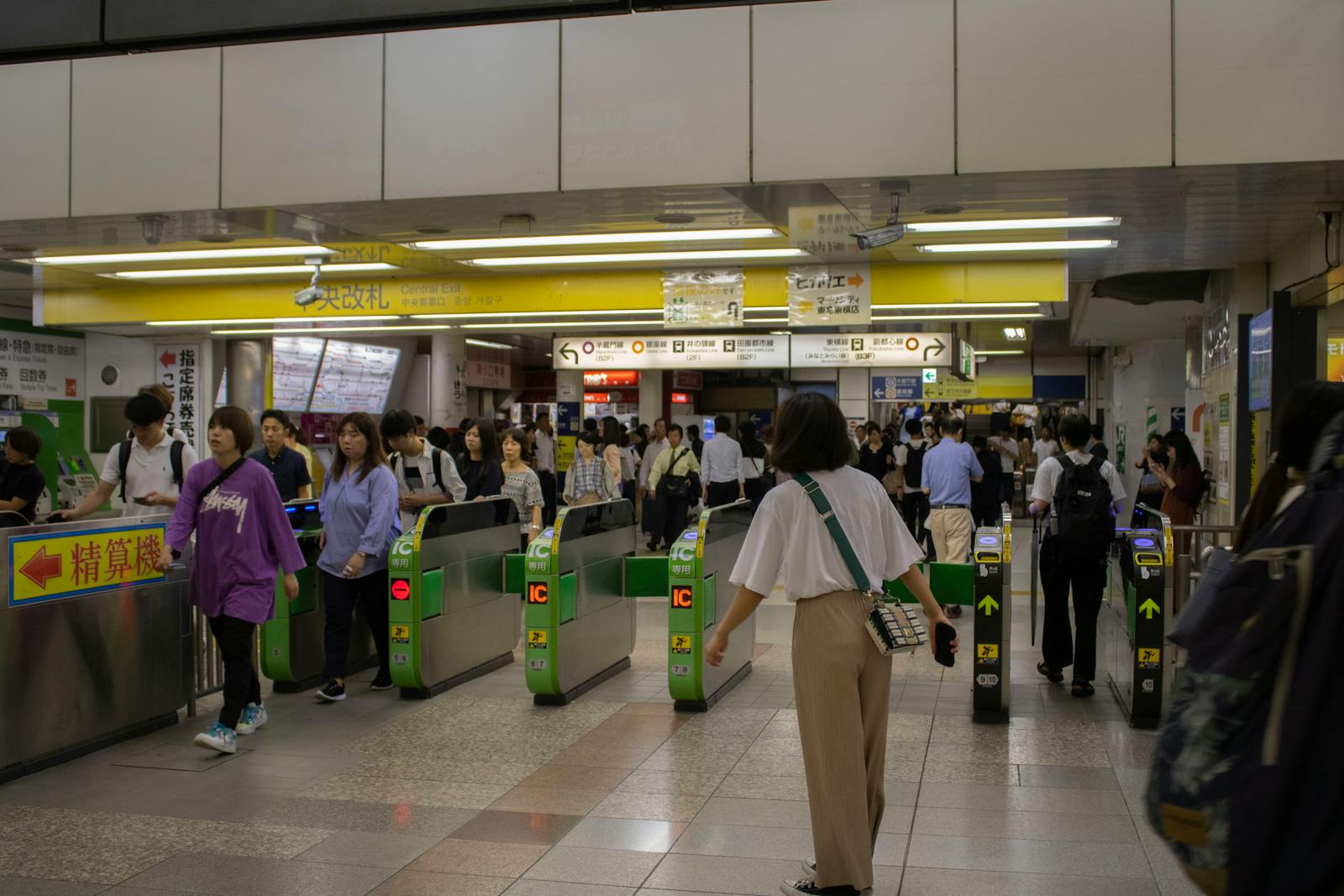
At the gate, lay the card or phone flat on the reader panel (the one marked IC) — once on the way in, once on the way out. The fare sorts itself out, including the transfer gates between different railway companies. At a convenience store, just tell the cashier "IC" (or tap "Suica/IC" on the screen) and hold it on the reader. That's the whole skill.
If you remember only three things
- Suica or PASMO — either is fine; one card does trains, buses and konbini all over Japan.
- iPhone? Put Suica in Apple Wallet before you land. Android? Grab a Welcome Suica at the airport.
- It won't board the Shinkansen — that needs its own ticket.
Getting set up before you land
- A phone with data (eSIM). To add Suica to Apple Wallet and top it up online, you'll want to be connected the moment you arrive. A travel eSIM for Japan activates before you land — no airport queue.
- Prefer a physical card waiting for you? You can reserve a Welcome Suica / IC card online and pick it up on arrival, so you skip straight to the gates.
These are affiliate links: they cost you nothing extra, and a small commission helps keep these guides free.
The local bottom line
An IC card is the quiet backbone of getting around Tokyo. iPhone users: add Suica to Apple Wallet and never think about tickets again. Everyone else: grab a Welcome Suica at the airport. Either way, you tap in, tap out, and the city opens up — trains, subways, buses, and the konbini coffee on the way. Then every one of our station guides simply works.
Keep exploring Tokyo
- Tokyo Station — the Shinkansen gateway.
- Shinjuku Station
- Shibuya Station
- Ikebukuro Station
- Airport access — Haneda & Narita routes.
- Tokyo meals under ¥1,000
Saved you a fumble at the ticket machine? If these guides help, a small tip keeps them coming.
☕ Buy me a coffee
Stuck on Suica, PASMO or mobile setup?
Ask me directly — I reply in public so the next traveller benefits too: